Review a deployment draft
Resume saved endpoint and deployment configuration without starting another GPU or losing your current operation.
A saved endpoint is the resource your backend will call. A deployment draft is a reviewed configuration for running its model. Deployment history lists submitted operations. Keeping these separate lets you compare a proposal with what really happened in AWS.
Resume where you left off
Section titled “Resume where you left off”- Find the endpoint by name under Inference. Open Deployment; the managed endpoint’s Overview also points there.
- If the saved endpoint lacks infrastructure, open the deployment settings and choose the previously saved setup on the correct connection. Use Check saved setup if verification was interrupted. Select the ready setup rather than creating a duplicate stack.
- Open Deployment drafts. Compare model, placement, infrastructure estimate and creation time. Choose Review on the intended row.
- Inspect the configuration. Use Edit configuration for changes; review the resulting estimate and permissions again. An expired proposal must be reviewed anew. Selecting a different model, placement or estimate does not silently update an already-running instance.
- Stop at review if you don’t intend to spend. Only Approve and start deployment submits a real launch.
Did a previous start already go through?
Section titled “Did a previous start already go through?”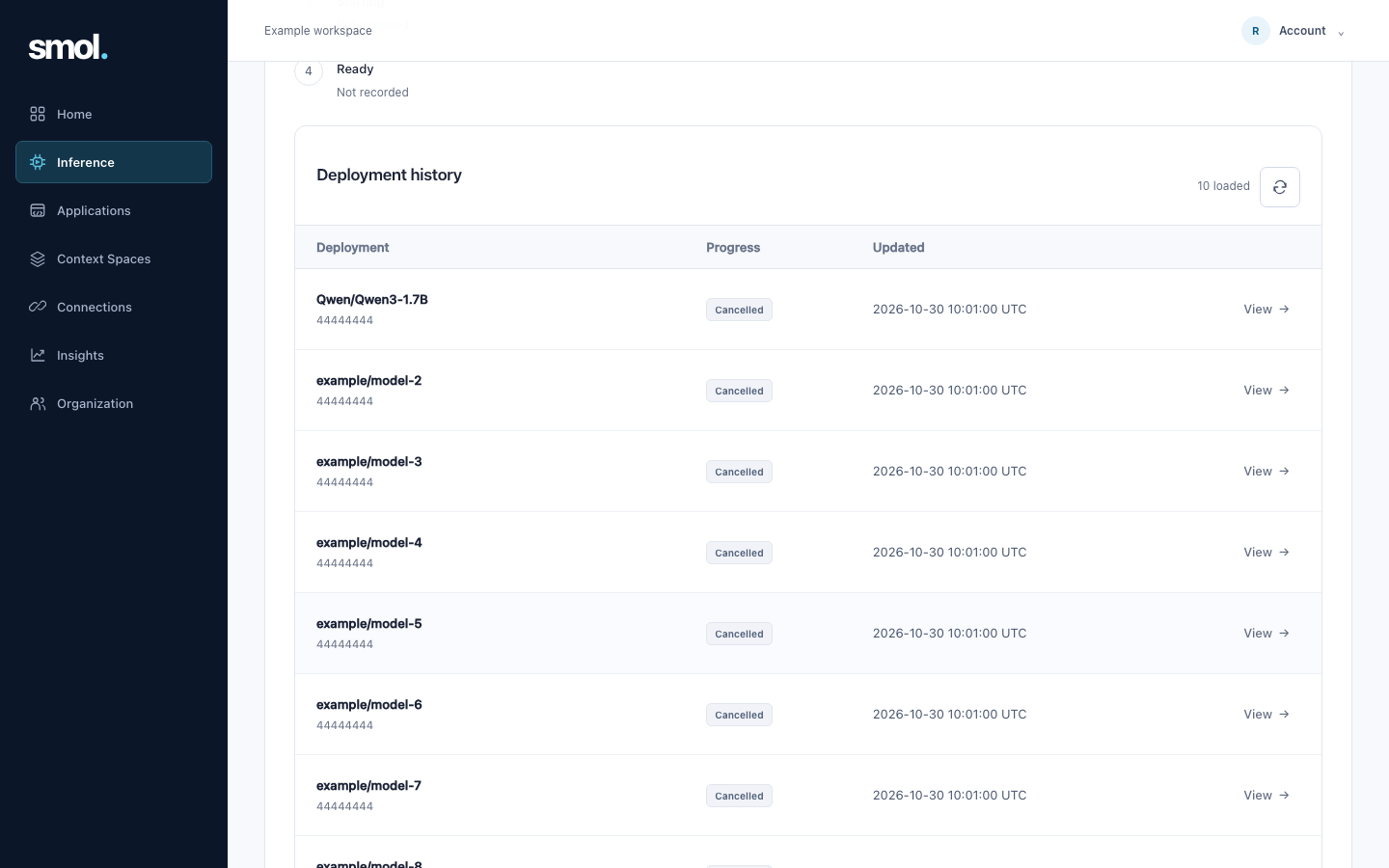
Use Deployment history → View. Read the latest status and instance/allocation details if present; opening a record doesn’t re-run it. If you clicked start and the browser closed, check this history before approving a draft again. If you clicked cancel, a GPU can still exist: inspect compute/deletion status and confirm teardown.
Continue the EC2 walkthrough for reviewing AWS access, proving a response and cleaning up.